If you are a developer, you probably do SEO the same way you do everything else: reluctantly, and preferably without leaving the terminal. The good news is that 2026 has more free SEO tools than ever. The bad news is that most of them are browser-based dashboards designed for marketing teams, not engineers.
This guide covers 6 free SEO audit tools that are useful for developers. Some run in the terminal and others in a browser or desktop application. Each has different access limits, data sources, and optional paid features. The Speed Report provides separate Lighthouse lab measurements.
How do the 6 free SEO tools compare?
Here is the quick overview before we dig into each tool. The chart counts whether a documented workflow covers each named category. It is an editorial feature map, not a quality score, benchmark, or ranking.
| Tool | Price | Interface | Crawl limit | Key strength |
|---|---|---|---|---|
| Claude SEO | $0 (MIT) | Terminal (CLI) | 500 pages | Full-spectrum audit with AI agents |
| Screaming Frog | Free tier / paid license | Desktop app | 500 URLs (free) | Deep crawl data and technical SEO |
| Ahrefs Webmaster Tools | Free (limited) | Browser | 5,000 pages | Backlink data and site health |
| Google Search Console | Free | Browser | N/A | Real search performance data |
| Google Lighthouse | Free | CLI / Browser | 1 page | Performance and accessibility scoring |
| PageSpeed Insights | Free | Browser / API | 1 page | Real-world CrUX data + lab data |
Why choose Claude SEO?
Price: $0, open-source, MIT license
GitHub stars: 15.2K
Interface: Terminal (runs inside Claude Code)
Website: claude-seo.md
Key strengths
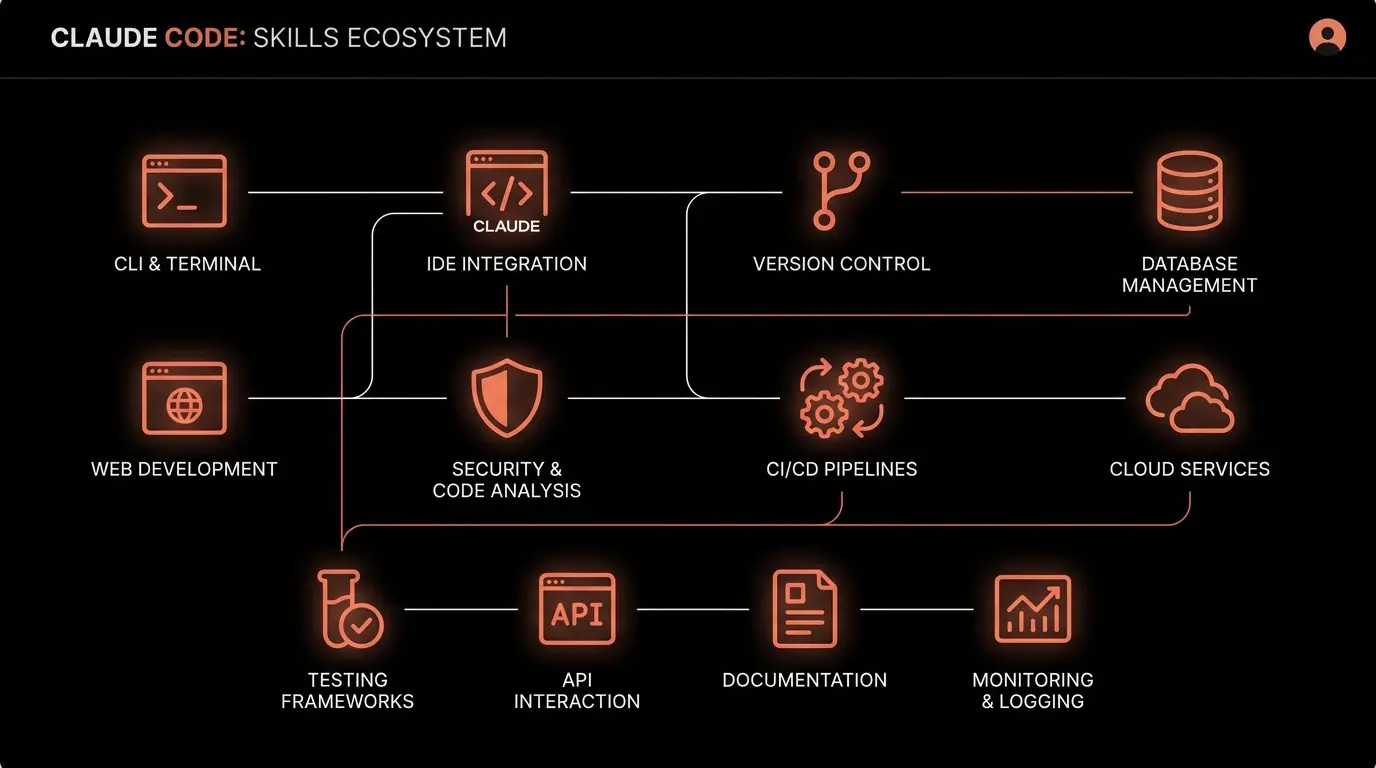
Claude SEO is a skill for Claude Code that runs website SEO audits from your terminal. A single command (/seo audit) coordinates specialist analyses across technical SEO, content quality, schema markup, AI search readiness, performance, images, and sitemaps. The output includes a transparent, heuristic 0-100 health score and a prioritized action plan.
The toolkit includes 26 sub-skills, 19 subagents, and 9 extensions. You can run the full audit or target specific areas like technical SEO (/seo technical) or schema markup (/seo schema). It crawls up to 500 pages per audit, respects robots.txt, and uses a 1-second delay between requests.
The weighted scoring system breaks down as: Content Quality 23%, Technical SEO 22%, On-Page SEO 20%, Schema 10%, Performance 10%, AI Readiness 10%, Images 5%.
Best for
Developers who want a broad, terminal-first audit workflow. The guided analysis produces recommendations as well as data points.
Limitations
Requires a Claude Code subscription. Does not provide historical data or rank tracking (use Google Search Console for that). For a deeper look at how Claude SEO compares to paid tools, see the Claude SEO vs Ahrefs vs Semrush comparison.
/plugin marketplace add AgriciDaniel/claude-seo
/plugin install claude-seo@agricidaniel-claude-seo
/seo setup
/seo doctor
/seo audit https://your-site.com
2. Screaming Frog SEO Spider
Price: Free tier (500 URL limit) / paid license; check the official pricing page
Interface: Desktop application (Java-based)
Website: screamingfrog.co.uk
Key strengths
Screaming Frog is a desktop crawler that has been an industry standard for years. The free version crawls up to 500 URLs and provides detailed data on page titles, meta descriptions, headings, response codes, redirects, canonical tags, and more. It exports to CSV, which is useful for bulk analysis.
The paid version adds JavaScript rendering, crawl scheduling, Google Analytics integration, and unlimited URLs. The free version is still highly capable for smaller sites.
Best for
Deep technical crawl analysis, especially when you need raw data on every URL. Excellent for identifying redirect chains, broken links, and duplicate content at scale.
Limitations
Free version caps at 500 URLs. No content quality analysis, no AI readiness scoring, no schema generation. Desktop-only (Java required). Does not provide recommendations, only raw data.
3. Ahrefs Webmaster Tools
Price: Free (for verified site owners)
Interface: Browser dashboard
Website: ahrefs.com/webmaster-tools
Key strengths
Ahrefs Webmaster Tools (AWT) gives you free access to Site Audit and Site Explorer for websites you own and verify. Site Audit crawls up to 5,000 pages and checks for 100+ SEO issues including broken links, redirect chains, missing meta tags, and more. Site Explorer shows your backlink profile and organic search data.
The verified-site tier provides crawl, backlink, and site-health data for properties you control. Ahrefs changes paid plan pricing and limits over time, so use its official plan page for current commercial details.
Best for
Backlink analysis (something Claude SEO and Lighthouse do not offer) and site health monitoring with a visual dashboard. Good for non-technical team members who need to see the data.
Limitations
Only works for sites you verify ownership of. No AI readiness analysis, no schema generation, limited content quality metrics. Browser-only, no CLI. Some features are restricted compared to paid Ahrefs plans.
4. Google Search Console
Price: Free
Interface: Browser dashboard
Website: search.google.com/search-console
Key strengths
Google Search Console (GSC) is the only tool on this list that provides real search performance data directly from Google. You get actual clicks, impressions, click-through rates, and average positions for your pages. No external tool can replicate this data.
GSC also reports Core Web Vitals, mobile usability issues, indexing status, manual actions, and security issues. The URL Inspection tool shows how Googlebot sees a specific page.
Best for
Understanding how Google actually sees and ranks your site. This is the single most important free SEO tool, period. Every other tool on this list complements GSC, not replaces it.
Limitations
Does not crawl your site or check for technical issues proactively. Data has a 2-3 day delay. No schema validation, no content quality scoring, no AI readiness analysis. Limited to Google search only (no Bing, no AI platforms).
5. Google Lighthouse
Price: Free
Interface: CLI, Chrome DevTools, or web UI
Website: Built into Chrome, or install via npm install -g lighthouse
Key strengths
Lighthouse is an open-source tool from Google that audits a single page for performance, accessibility, best practices, and SEO. It runs in Chrome DevTools, as a Node CLI, or through the web UI at web.dev. The SEO audit checks for meta tags, crawlability, structured data presence, and mobile-friendliness.
For developers, the CLI version is the most useful. You can integrate it into CI/CD pipelines to catch performance regressions before they ship.
npm install -g lighthouse
lighthouse https://your-site.com --output json --output html
Best for
Performance auditing and CI/CD integration. The accessibility audit is also excellent. Good for catching page-level issues before deployment.
Limitations
Single-page only (does not crawl your entire site). Lab data only (not real user data). No backlink analysis, no content quality scoring, no AI readiness metrics. The SEO audit is surface-level compared to dedicated SEO tools.
6. PageSpeed Insights
Price: Free
Interface: Browser or API
Website: pagespeed.web.dev
Key strengths
PageSpeed Insights (PSI) combines real-world Chrome User Experience Report (CrUX) data with Lighthouse lab data. The CrUX data shows actual Core Web Vitals performance from real users visiting your site, which is what Google uses for ranking. The lab data provides specific optimization suggestions.
The free API (https://www.googleapis.com/pagespeedonline/v5/runPagespeed) allows programmatic access, which is useful for monitoring multiple pages or integrating into build pipelines.
Best for
Core Web Vitals assessment with real-world data. If you want to know your actual LCP, INP, and CLS scores as experienced by users, this is the definitive source.
Limitations
Single-page only. Only covers performance and basic SEO. CrUX data requires sufficient traffic volume (low-traffic sites will not have real-world data). No crawling, no content analysis, no schema validation.
What is the best combination of free SEO tools?
There is no single tool that does everything. Here is the practical combination for most developers:
- Google Search Console - install this first, always. It is your source of truth for how Google sees your site.
- Claude SEO - run a full audit to get the 0-100 health score and prioritized action plan. This gives you the broadest coverage from a single command.
- PageSpeed Insights - check your Core Web Vitals with real user data. Cross-reference with the performance section of your Claude SEO report.
- Lighthouse in CI/CD - add to your deployment pipeline to prevent regressions.
Add Screaming Frog if you need deep crawl data on larger sites, and Ahrefs Webmaster Tools if backlink analysis is important for your strategy.
The key advantage of Claude SEO for developers is that it runs in the terminal, produces markdown reports you can commit to your repo, and covers categories (AI readiness, E-E-A-T, schema generation) that the other free tools simply do not touch.