An SEO audit is a structured review of the technical, content, and structured-data conditions that affect crawling, indexing, usability, and search eligibility. Claude SEO provides an open-source terminal workflow for that review. Completion time depends on site size, network access, rendering, enabled integrations, and the analyses selected.
What is Claude SEO and why should you use it?
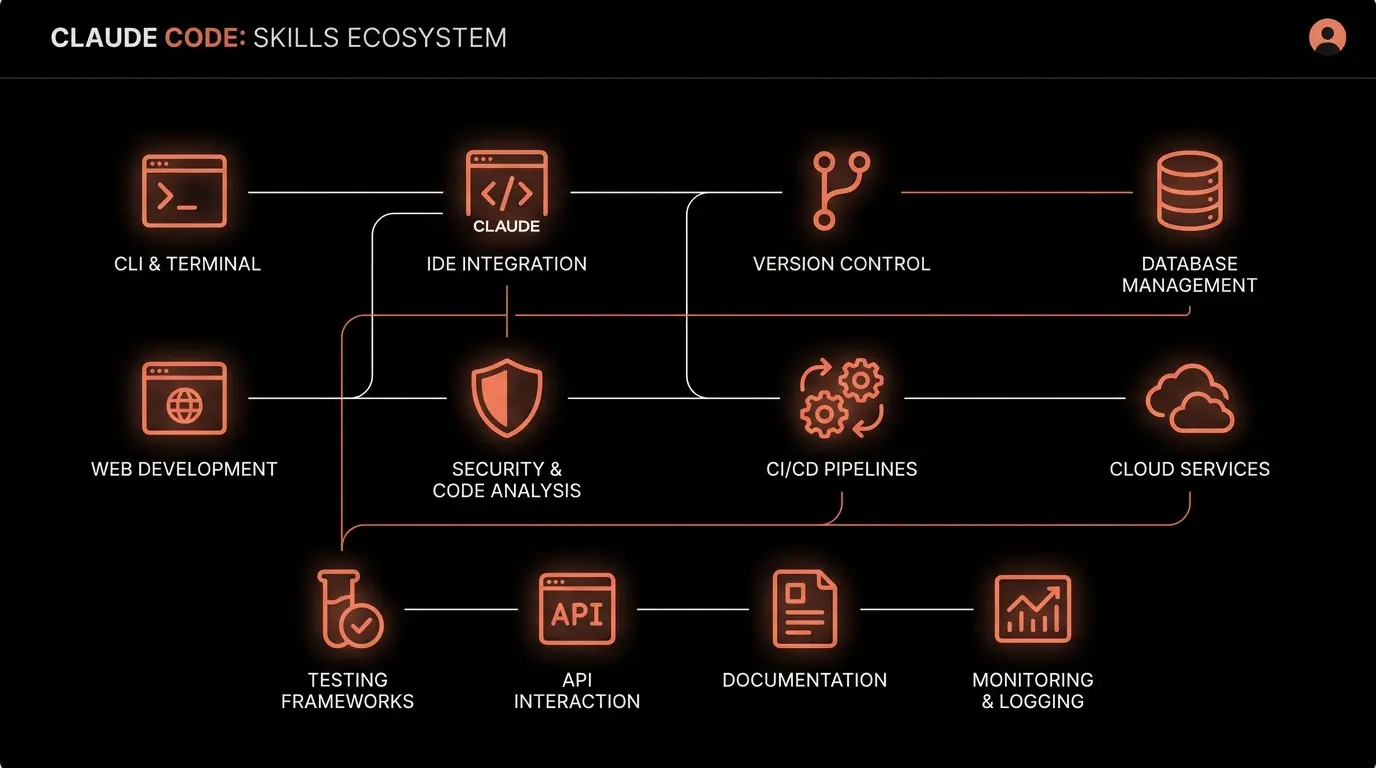
Claude SEO is an MIT-licensed command-line tool that runs inside Claude Code. Version 2.2.4 contains 25 subskills, 18 specialist agents, 32 user-facing commands, and a release suite of 410 passing tests. Optional APIs have their own accounts and costs.
Unlike a managed browser dashboard, Claude SEO runs through your terminal and routes work to relevant specialist agents. Its weighted 0-100 health score is an internal prioritization heuristic. It is not a Google score, a ranking signal, or a guarantee that a recommendation will improve traffic.
Step 1: Install Claude SEO
Before you begin, make sure you have two prerequisites installed:
- Python 3.10+ - check with
python3 --version - Git - required for manual installation and repository workflows
- Claude Code CLI - Anthropic's terminal-based AI assistant
The recommended plugin flow installs Claude SEO first, then provisions its isolated runtime explicitly:
/plugin marketplace add AgriciDaniel/claude-seo
/plugin install claude-seo@agricidaniel-claude-seo
/seo setup
/seo doctor
/seo setup creates the managed environment. /seo doctor performs a read-only check. Manual installation remains available for users who prefer to inspect the repository path first.
macOS or Linux
git clone --depth 1 https://github.com/AgriciDaniel/claude-seo.git
bash claude-seo/install.sh
Windows
git clone https://github.com/AgriciDaniel/claude-seo.git
powershell -ExecutionPolicy Bypass -File claude-seo\install.ps1
The installer clones the repository and registers the skill with Claude Code. You should see a confirmation message when it completes.
Step 2: Run your first full audit
The full site audit routes technical, content, structured-data, performance, image, sitemap, and AI-search checks to relevant specialist agents.
/seo audit https://yoursite.com
This command summarizes findings into seven weighted score groups and a prioritized report.
| Category | Weight | What it checks |
|---|---|---|
| Content Quality | 23% | E-E-A-T signals, depth, readability, originality |
| Technical SEO | 22% | Crawlability, indexability, security headers, JS rendering |
| On-Page SEO | 20% | Title tags, meta descriptions, heading hierarchy, keyword placement |
| Schema/Structured Data | 10% | JSON-LD detection, validation against Google requirements |
| Core Web Vitals | 10% | LCP, CLS, INP (replaced FID in 2024) |
| AI Search Readiness | 10% | GEO score, AI crawler access, passage-level citability |
| Image Optimization | 5% | Alt text, file sizes, lazy loading, responsive images |
Run time varies with site size, network conditions, browser rendering, and optional integrations. Record the audited URL set and enabled data sources when comparing results over time.
Step 3: What does your health score mean?
Claude SEO assigns every finding a priority level so you can review higher-risk issues first. Some checks reference Google Search Essentials or the published Core Web Vitals thresholds. The combined score and category weights remain Claude SEO's vendor-specific heuristic.
Each finding comes with a specific recommendation. For example, a site scoring 64/100 might show: "Multiple H1 tags detected on homepage (Critical), thin content on /about page (High), missing security headers (Medium), truncated title tags on 3 pages (Medium)."
Step 4: Run targeted deep dives
After the full audit, drill into specific areas that need evidence or deeper analysis. Version 2.2.4 exposes 32 user-facing commands across the toolkit.
Technical SEO deep dive
/seo technical https://yoursite.com
This checks 9 sub-categories: crawlability, indexability, security, URL structure, mobile optimization, Core Web Vitals (including INP), structured data, JavaScript rendering, and IndexNow protocol support.
Content quality assessment
/seo content https://yoursite.com
Evaluates your content against the September 2025 Quality Rater Guidelines for E-E-A-T (Experience, Expertise, Authoritativeness, Trustworthiness). It checks author attribution, source citations, content depth, and whether your content demonstrates first-hand experience.
Schema markup validation
/seo schema https://yoursite.com
Detects existing Schema.org markup, validates it against Google's requirements, and generates corrected JSON-LD if issues are found. This is particularly valuable because schema errors are invisible to visitors but can prevent rich results in search.
AI search readiness (GEO)
/seo geo https://yoursite.com
The GEO review checks search eligibility, relevant crawler controls, content clarity, evidence, authorship, and platform measurement. Its score is a heuristic. Google states that AI Overviews and AI Mode use established SEO foundations and do not require special markup, an llms.txt file, or AI-specific rewrites.