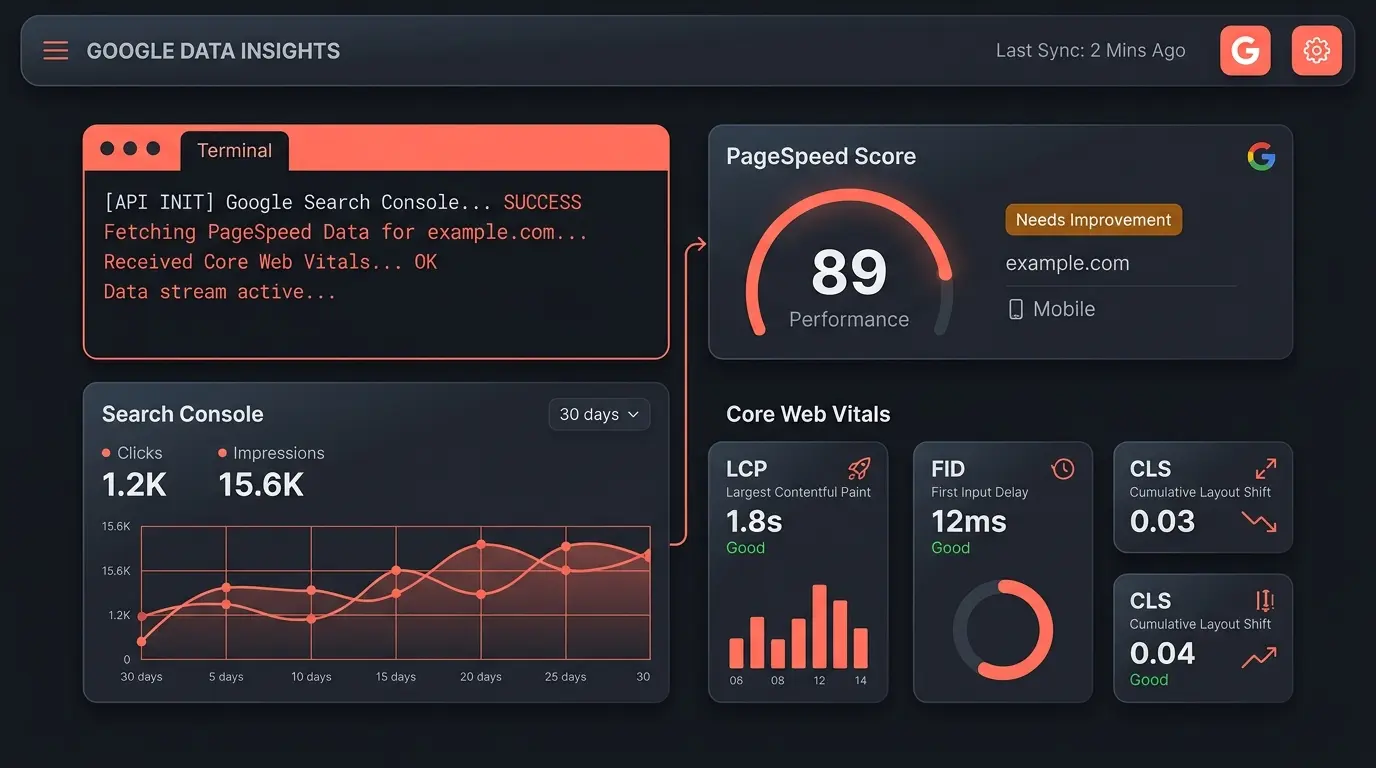
Claude SEO can connect to Search Console, PageSpeed Insights, Chrome UX Report, the Google Analytics Data API, and selected Google Search APIs, then turn authorized data into terminal output or PDF reports. Access, quotas, billing, freshness, and URL eligibility differ by service, so this guide treats each API on its own terms.
- Claude SEO organizes its current Google workflows into four credential tiers, starting with an API key
- Each Google service has its own authentication, quota, billing, and data-coverage rules
- PageSpeed Insights provides lab diagnostics, while CrUX provides field data when a URL or origin has enough traffic
- The Indexing API is only for eligible JobPosting pages or BroadcastEvent pages embedded in VideoObject
Direct API access and hosted SEO platforms solve different problems. Google's APIs expose first-party data for specific Google products. Commercial platforms add proprietary link indexes, keyword databases, competitive research, collaboration, and managed storage. Claude SEO is open source and does not add a subscription fee, but optional providers and some cloud services can still have their own charges. See the tool comparison for a capability-focused view.
Why use Google's APIs directly?
PageSpeed Insights runs Lighthouse lab tests. The CrUX API exposes aggregated field experience when coverage is available. These sources complement each other, but a Lighthouse result is not a Core Web Vitals field pass. Direct API access also does not replace proprietary backlink or keyword datasets.
| Data need | Google source | Important caveat |
|---|---|---|
| Search performance | Search Console API | Requires access to the verified property and is subject to reporting lag and quotas |
| Lighthouse lab diagnostics | PageSpeed Insights API | A controlled lab run, not a substitute for CrUX field data |
| Core Web Vitals field data | CrUX API and CrUX History API | Coverage depends on sufficient eligible Chrome traffic |
| Organic analytics | Google Analytics Data API | Requires access to a configured GA4 property |
| URL notifications | Indexing API | Only eligible JobPosting or BroadcastEvent in VideoObject pages; notification does not guarantee indexing |
| Language analysis | Cloud Natural Language API | Billing must be enabled, and usage above any allowance can incur charges |
Every report should preserve the source timestamp and coverage notes. CrUX is a rolling field dataset, Search Console reporting can lag, and a PageSpeed run reflects one lab test under its configured conditions. Claude SEO handles authentication, rate-limit responses, and structured output, but it cannot make a source fresher or broader than Google provides.
Which Google data sources does Claude SEO use?
The current integration groups Google services by credential tier. PageSpeed Insights and CrUX support performance analysis, Search Console and URL Inspection provide authorized search data, GA4 provides configured analytics, and Google Ads credentials enable Keyword Planner workflows. Optional utilities have separate requirements and should be enabled only when the workflow needs them.
| API | What it provides | Access note |
|---|---|---|
| PageSpeed Insights v5 | Lighthouse scores and lab diagnostics | API key; verify current project quota |
| Chrome UX Report | Aggregated p75 field metrics when coverage exists | API key; shared project quota |
| CrUX History | Up to 25 weekly collection periods | API key; shares quota with CrUX |
| Search Console | Clicks, impressions, CTR, position, and sitemaps | Authorized property access required |
| URL Inspection | Google-selected canonical and index coverage signals | Authorized property access and per-site quota |
| Indexing API v3 | Update or delete notifications for eligible URLs | Restricted page types; no indexing guarantee |
| Google Analytics Data API | Configured GA4 traffic and landing-page data | GA4 property access required |
| Google Ads API | Keyword Planner ideas, volume, and competition data | Developer token and Ads credentials required |
Full quota documentation is available in the Google Search Console API usage limits and PageSpeed Insights API reference. For GA4 token budgeting, see the Google Analytics Data API documentation.
Official Google documentation for each API:
PageSpeed Insights API v5 | Chrome UX Report API | CrUX History API | Search Console API | Indexing API v3 | GA4 Data API | YouTube Data API v3 | Natural Language API
The 4-tier credential system
Not every user needs every integration. The tier system lets you begin with an API key and add authorized property access only when a workflow needs it. Tiers are additive: Tier 2 includes the Tier 0 and Tier 1 capabilities.
How do you set up Google API access?
Start with Tier 0 for PageSpeed Insights, CrUX, and CrUX History. Run the setup and diagnostics commands first, then enable only the Google APIs required for your project. Always review the current quota and billing pages in Google Cloud before enabling additional services.
Step 1: Create a Google Cloud project
Go to console.cloud.google.com and create a new project. Name it something like "claude-seo". Billing requirements depend on the APIs you enable. For example, Cloud Natural Language requires billing to be enabled even when usage stays within an allowance.
Step 2: Enable APIs and get your key
In the API Library, enable "PageSpeed Insights API" and "Chrome UX Report API". Then go to Credentials and create an API key. Save it somewhere safe.
Step 3: Run your first check
/seo google pagespeed https://yoursite.com
This returns Lighthouse lab diagnostics and Core Web Vitals field data when CrUX coverage is available. Good field thresholds are LCP at or below 2.5 seconds, INP at or below 200 milliseconds, and CLS at or below 0.1, evaluated at the 75th percentile.
Step 4: Check your credential tier
/seo google quotas
This shows which tier you are on, which APIs are accessible, and current rate limit usage. To upgrade to Tier 1, create a service account in Google Cloud and grant it access to your Search Console property. Full setup instructions are in the Claude SEO GitHub repository.
Step 5: Explore 25-week trends
/seo google crux-history https://yoursite.com
This pulls 25 weeks of Core Web Vitals history from the CrUX History API, showing trend direction and percentage changes for every metric. You can see whether your LCP is improving or degrading over time without any third-party dashboard.
How does the PDF report generator work?
Raw API data is useful for automation but often needs context for clients or stakeholders. Claude SEO includes a PDF report generator built with WeasyPrint and matplotlib. It can turn available API output into A4 documents with source notes, charts, tables, and recommendations. Report length and sections depend on the data returned for the property.
/seo google report --type full
Four report types are available:
- CWV audit - Gauge charts for each Core Web Vital, trend timelines, histogram distributions
- GSC performance - Query tables, CTR analysis, quick-win keyword opportunities
- Indexation status - Coverage donut chart, URL status breakdown, errors and warnings
- Full combined - Title page, table of contents, executive summary, all data sections
Reports are generated using WeasyPrint and matplotlib. Before sharing one, review its source timestamps, missing-data notices, charts, and recommendations. An automated render check can catch structural problems, but a person should still verify the conclusions against the underlying properties.
Security built in from the start
Current network-facing scripts validate outbound targets and reject private, loopback, link-local, and cloud metadata destinations before making requests. Credentials are stored outside the repository with restrictive file permissions. Keep API keys scoped, restrict service accounts to the properties they need, and review generated output before publishing it.
Security controls reduce risk, but they do not replace provider-side restrictions. Apply API restrictions to keys, rotate exposed credentials, and use Google's least-privilege guidance for every project.